Eventbrite
Learn how to connect to Eventbrite in puq.ai
Step 1
On the Eventbrite homepage, click your user profile icon in the top bar and select Account Settings from the dropdown menu.
Step 2
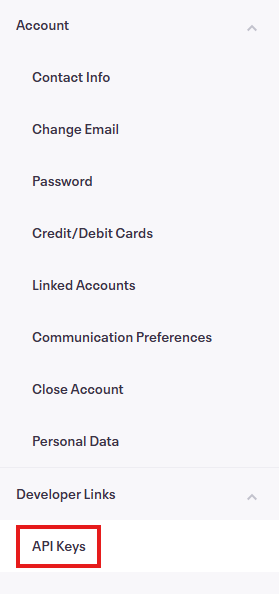
From the left sidebar, click API Keys.
Step 3
Click Create API Key.
Step 4
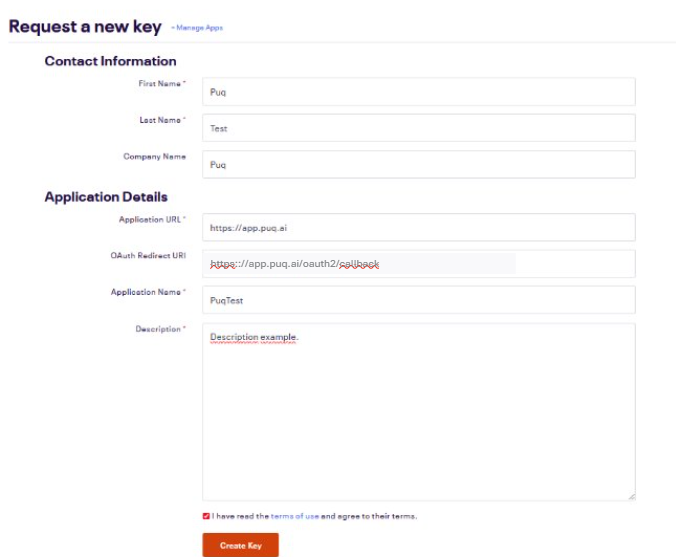
Fill in the form and click Create Key.
Step 5
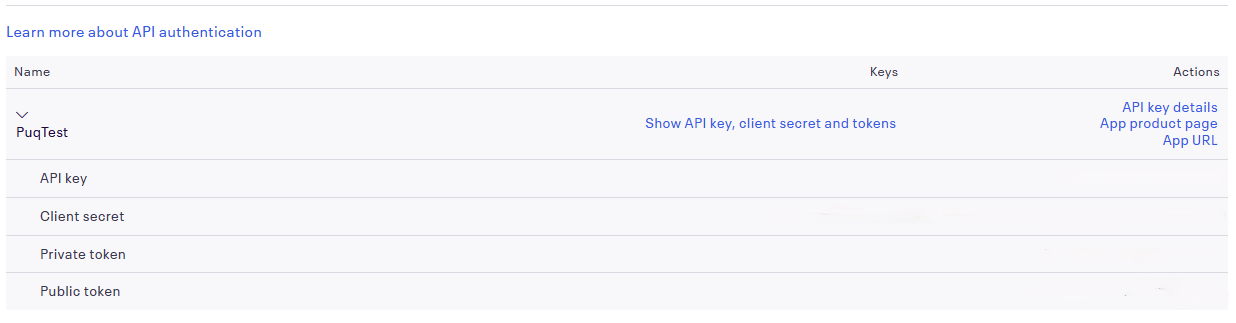
You will be redirected back to the API Keys page. Here, your newly created app along with its Client ID and Client Secret will be available.
Step 6
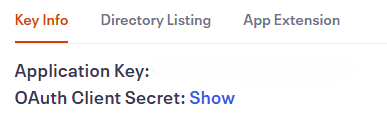
Click API Key Details to view the key information. The API key details are displayed at the top of the page. Use this information to fill the form in puq.ai.