HubSpot
Learn how to connect HubSpot to puq.ai.
Step 1
Sign in to your HubSpot account.
Step 2
From the sidebar, scroll to the bottom and click Developer.
Step 3
From the sidebar, click Legacy Apps.
Step 4
Click Create Legacy App.
Step 5
Open the Auth tab and enter the following Redirect URL: ‘https://app.puq.ai/oauth/callback’
Step 6
Complete the remaining fields in the form.
Step 7
Click Create App.
Step 8
After the app is created, you will find the Client ID and Client Secret on the app details page.
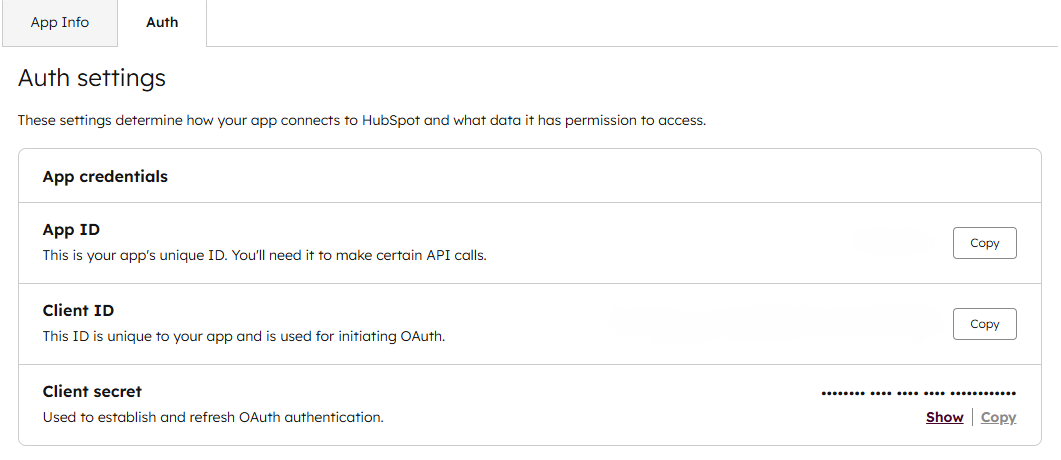
Use this information to complete the HubSpot integration form in puq.ai.