Pushbullet
Learn how to connect Pushbullet to puq.ai.
Step 1
Sign in to your Pushbullet account.
Step 2
Go to the homepage. (You can do this by clicking the logo in the top bar.)
Step 3
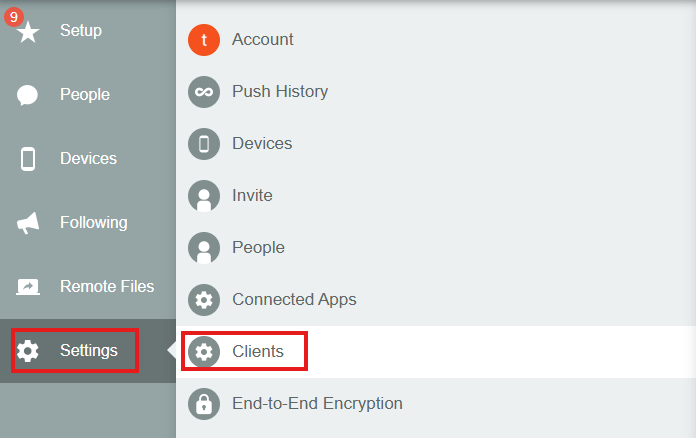
From the sidebar, click Settings, then select Clients.
Step 4
Fill in the form. In the Redirect URL field, enter the following value:
https://app.puq.ai/oauth2/callback
Step 5
Click Add A New OAuth Client.
Step 6
The newly created client will appear on the same page. At the top of the client card, you will find the Client ID and Client Secret.
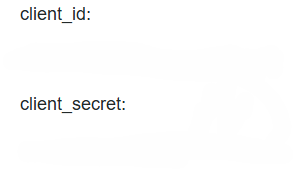
Use this information to complete the Pushbullet integration form in puq.ai.