Webex
Learn how to connect Webex to puq.ai.
Step 1
Go to the Webex for Developers portal:
https://developer.webex.com/
Step 2
On the homepage, click Start Building Apps.
Step 3
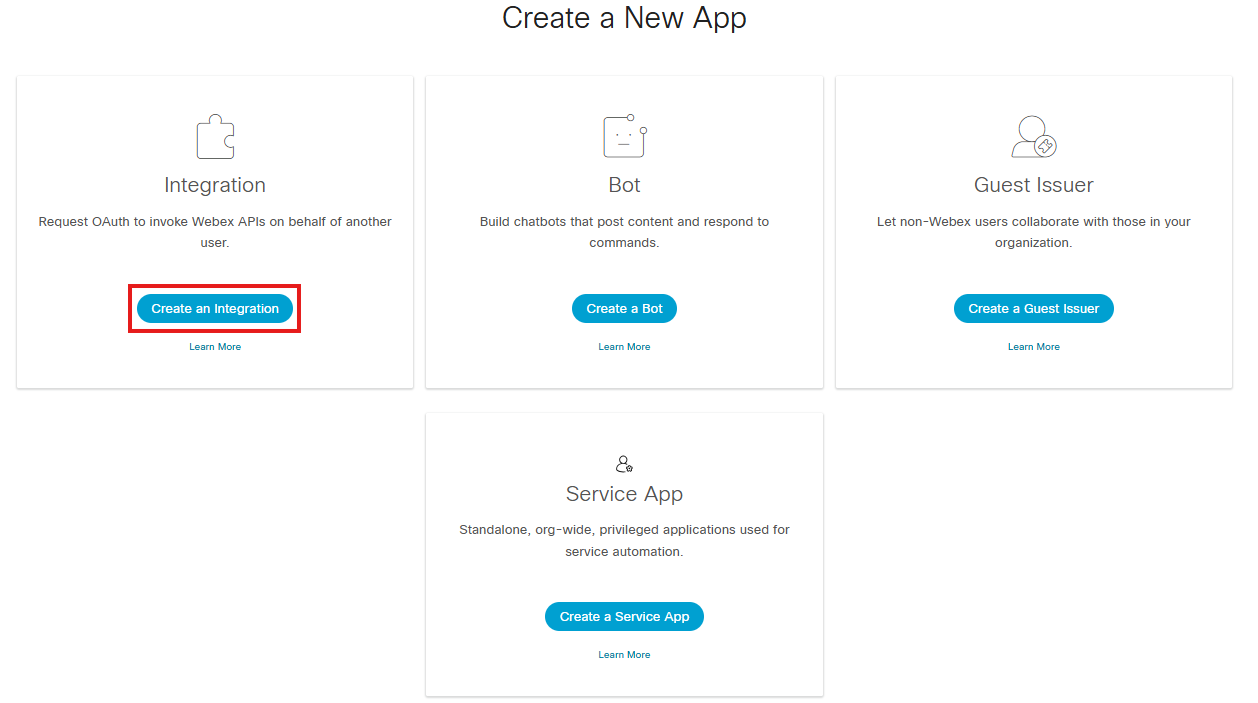
Click Create an Integration.
Step 4
Fill in the integration form.
In the Redirect URI field, enter the following value: ‘https://app.puq.ai/oauth/callback’
Select the necessary Scopes.
Step 5
At the bottom of the page, click Add Integration.
Step 6
Click your user profile icon in the top bar and select My Webex Apps from the dropdown menu.
Step 7
Click the app you just created.
Step 8
On the application details page, you can find the Client ID at the top.
You can generate a Client Secret by clicking Regenerate the client secret.

Use this information to complete the Webex integration form in puq.ai.